



Key takeaways
- Almost every word survived in all four PDFs; what broke was order and grouping.
- One column read correctly in both parsers we tried.
- The sidebar layout failed differently in each parser: the same file, two errors.
- Text boxes and tables lost both roles in our parser: titles came apart from their dates.
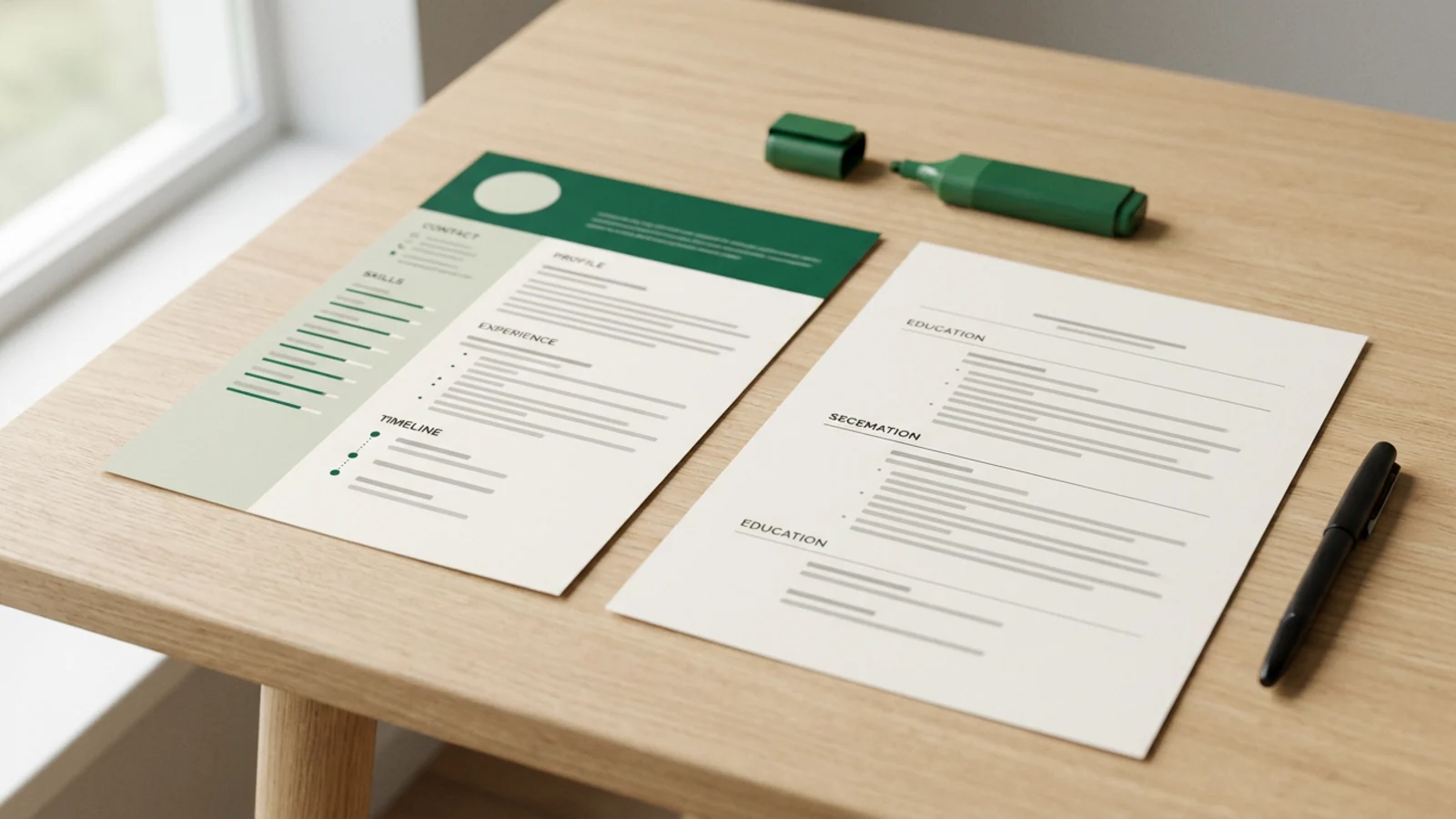
Design templates are everywhere: a dark header, a tinted sidebar, skill bars, a photo circle. They look great, and they're one search away. The question everyone asks is whether software can read them.
Rather than repeat advice, we tested it. We built one fictional resume in four layouts, saved each as a real-text PDF, and ran every file through a resume parser to see what came out.
The test
The person is fictional: Kavya Raman, a data analyst in Bengaluru with one job and one internship. All four files hold the same words, character for character. Only the layout changes.
- One column. Name, contact line, then Summary, Experience, Education, Skills, Certifications, top to bottom.
- Two columns with a sidebar. Contact, skills, education and certificates in a tinted left column; name, summary and experience on the right.
- A design-tool style layout. Built to look like a typical template: a full-width header band, positioned text boxes, skill bars, a date timeline in its own column, and spaced-out capital headings. We built it ourselves in HTML, so it is like a Canva export, not one.
- A table layout. The Word habit of putting dates in a left cell and the role in the right, plus a table for education and skills.
Each was saved to PDF by Chromium, the way a browser's "Save as PDF" writes real, selectable text. Then we read each PDF with pdf.js, the open-source library Resumeize uses for uploads, and our own import, which rebuilds sections, roles, dates and skills. For a second opinion we also ran pdftotext, a widely used open-source extractor.
One parser is not every ATS
This is Resumeize's parser plus one other extractor. Employer systems use their own parsers, and they differ. The test shows the kinds of failure each layout invites, not what any particular employer's software will do.
The results
| Layout | Name read first | Roles read right | Skills under Skills | Degree under Education | Lines out of place in Experience |
|---|---|---|---|---|---|
| One column | Yes | 2 of 2 | 6 of 6 | Yes | 0 |
| Two-column sidebar | No | 2 of 2 | 6 of 6 | Yes | 0 in ours, 10 in pdftotext |
| Design-tool style | No | 0 of 2 | 6 of 6 | Yes | 5 |
| Table layout | Yes | 0 of 2 | 0 of 6 | No | 4 |
1 of 4
layouts read correctly by both parsers in our test: the one-column resume
Almost every word made it out of every file. What broke was order and grouping: which words belong to which role, and which heading a line sits under. That's exactly what a recruiter's search and an application form rely on.
What broke in each layout
Two columns: the same file, two different failures
Our parser saw the gap between the columns and read the sidebar first, then the main column. Every role, date and skill was right, but the first line of the file was "CONTACT" and the name came after the certificates, so the phone number was taken as the name and the real name was filed under Certifications.
pdftotext read the same page straight across instead, row by row. Sidebar lines landed in the middle of the job: the six skills, the degree, the school and the certificate came between the Experience heading and the Data Analyst job's first bullet.
10
sidebar lines that landed inside the Experience section when pdftotext read the two-column PDF row by row
Same PDF, two parsers, two different errors. That's the real risk of columns: you can't know which way the employer's software reads.
The design-tool layout: both roles lost
Text boxes placed side by side are read by height on the page, not by box. The dates sat in their own little column to the left of each job, so each range broke over two lines, and its second half, "– Present", was taken for a bullet point. The "About me" text box ran alongside the experience and was interleaved with it, line by line. Of five bullets, only one came out in one piece.
The spaced-out headings broke too. The name, set in wide capitals, came out as "KAVYARAMAN" in our parser and "K AV YA R A M A N" in pdftotext, and "WORK EXPERIENCE" became "WORKEXPERIENCE", so the Experience section wasn't recognised at all. Our import found no dated roles, and the internship's lines ended up mixed into the Skills list.
The table: dates parted from their roles
Our parser decided the table's left column was a sidebar and read it first: every section label and both date ranges, then all the content. Experience was left holding two date ranges with no titles, and everything else, from the email address to both jobs, the degree and the skills, was filed under the last heading it had seen: Certifications. pdftotext read the same table in nearly the right order, with only the degree's dates out of place.
One column: nothing to fix
Both parsers read the one-column file in order: name first, every role with its title, employer and dates, every bullet whole, every section where it belongs.
Why design templates trip parsers
A PDF doesn't store "this is my sidebar". It stores pieces of text and where each sits on the page. A parser has to guess the reading order from positions. One column leaves only one sensible guess. Columns, text boxes and tables leave several, and each parser picks differently.
Employers say the same. Roche's careers site, for one, warns applicants against tables, text boxes, logos and graphics, notes that some systems "read columns straight across", and says header and footer text sometimes gets dropped completely.
Human readers aren't kinder. In the Ladders eye-tracking study, resumes with multiple columns and cluttered layouts did worse with recruiters, while simple layouts with clear headings did better. How recruiters read a resume covers what they look at first.
If you design in Canva anyway
Canva says it estimates the reading order automatically when you export a PDF, and lets you set it yourself: in the Layers panel the bottom layer is read first, and the PDF download has a "Match reading order to layers" setting. We didn't test Canva's own export, but if you use it:
- Choose a one-column template. If it has a sidebar, keep your name above it, across the full width.
- Set the reading order: in the Layers panel, move what should be read first (your name) to the bottom of the list, then contact details, then each section in order.
- Use plain headings without wide letter-spacing: Experience, Education, Skills.
- Keep each role's title, employer and dates in one text box, not in separate boxes.
- Skip skill bars and star ratings. They're shapes, and say nothing a parser can read.
- Download as PDF and run the copy-paste test below before you apply.
The ten-second test
Open your PDF, select all, copy, and paste into a plain-text note. Read it top to bottom. If your name comes first and each job's title, employer and dates sit together above its bullets, parsers will most likely read it too. If it's scrambled, it's scrambled for them.
The simpler fix
You don't have to choose between looking good and being read. A clean one-column layout with good type, spacing and bold titles looks professional and parses the same way everywhere. Our free ATS-friendly Word templates are built exactly that way, and what an ATS actually does explains what happens to your file after you click Submit.
We keep the script and the four PDFs so the test can be re-run; they're available on request. The resume is fictional throughout.
See how your own file reads
Upload your resume and Resumeize shows what its parser pulls out: name, roles, dates, sections and skills, then scores the read and matches every requirement in a posting. Free to start, no account needed.
Free ATS-friendly resume templatesQuestions people ask
Are Canva-style resumes ATS-friendly?
It depends on the template, not on Canva. In our test, a one-column layout with real text read cleanly; a design-tool layout with separate text boxes, skill bars and a date timeline lost both roles.
Can an ATS read a two-column resume?
Some can, some can't, and you can't tell which one an employer uses. In our test, one parser read the columns separately and the other read straight across, putting sidebar skills inside a job.
Are tables bad for ATS?
They're unpredictable. Our parser read a table column by column and separated every date from its role; a second parser read the same table in nearly the right order.
How can I check my own resume?
Open the PDF, select all, copy and paste into a plain-text note. If your name, titles, employers and dates come out in order, most parsers will read them too.
Sources
- Resume parsing FAQ, Roche Careers
- Create accessible PDFs with Canva, Canva Help Center
- Eye-tracking study shows recruiters look at resumes for 7 seconds, HR Dive, on the Ladders 2018 study
Praveen Krishnakanth S.
Founder, Resumeize
Praveen builds Resumeize, the resume tailor that matches every job requirement to a line you actually wrote. He writes about how hiring software and recruiters really read resumes.